Embedded Systems – Orange Pi RV Kernel Compilation for RISC-V
Building custom kernels for Orange Pi RV (RISC-V) with USB serial support – CH341 (Arduino) and CDC ACM (Raspberry Pi Pico).
Overview
The Orange Pi RV is a RISC-V single-board computer based on the StarFive JH7110 SoC. While powerful, the default kernel may lack certain USB serial drivers needed for embedded development.
The challenge: Enable USB serial support for:
- Arduino / CH341 – USB-to-serial adapter (CH340/CH341).
- Raspberry Pi Pico / CDC ACM – Native USB serial.
The solution: Build a custom kernel using the official Orange Pi build system, running entirely in Docker, with the required drivers enabled. The result is a set of .deb packages that can be installed on the Orange Pi RV.
Architecture
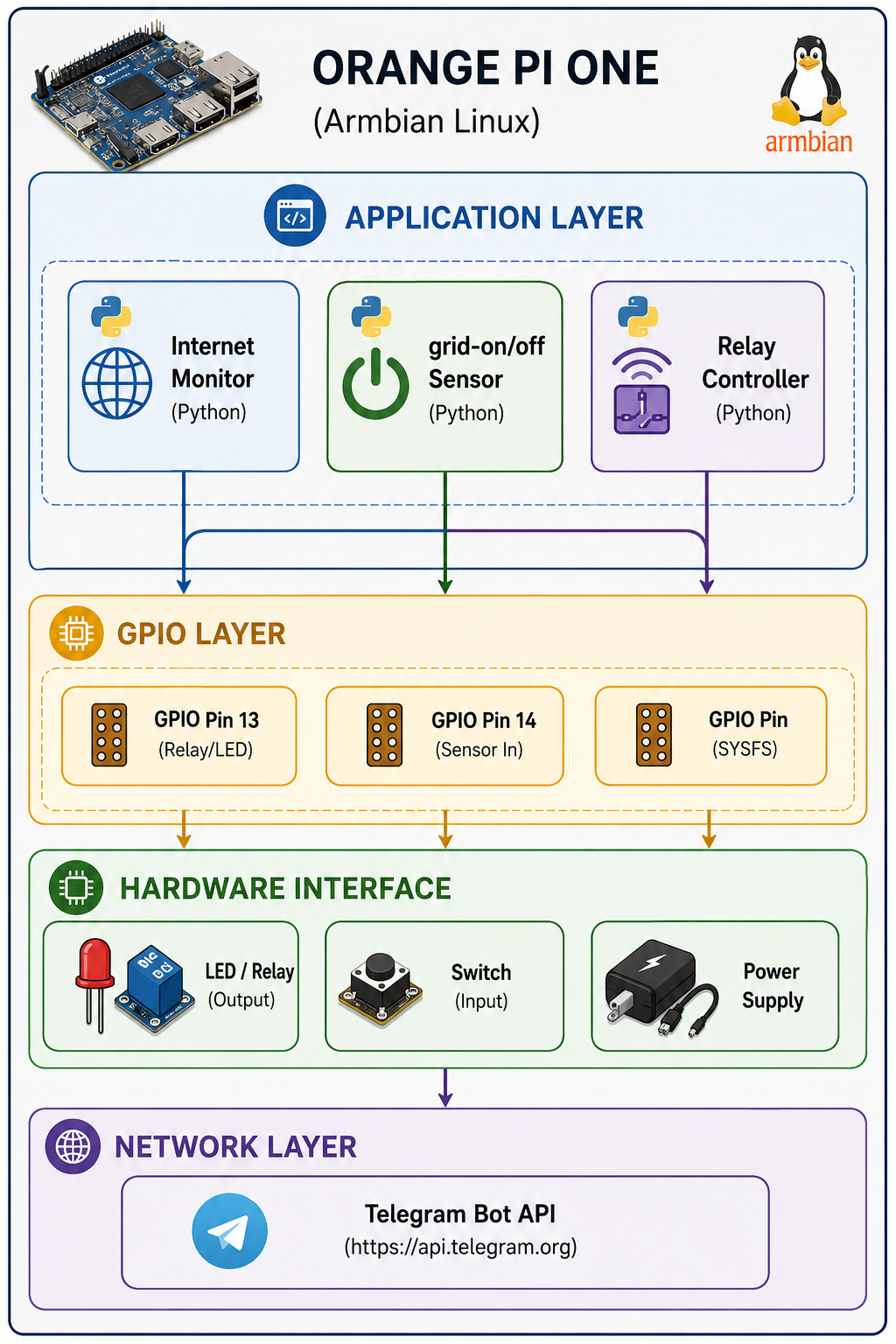
Getting Started
Prerequisites
- Docker installed on your development host.
- Orange Pi RV board (StarFive JH7110).
- Network access to the Orange Pi RV (SSH).
- USB devices for testing (Arduino, Pico, etc.).
Step-by-Step Compilation Guide
Step 1: Prepare the Working Directory
# Create a new folder for the project
mkdir -p ~/orangepi-kernel-build
cd ~/orangepi-kernel-build
Step 2: Clone the Orange Pi Build System
git clone https://github.com/orangepi-xunlong/orangepi-build.git
cd orangepi-build
Step 3: Start the Docker Container
Mount the current directory inside the container at /build:
docker run --rm -it -v $(pwd):/build ubuntu:22.04 bashExplanation: All changes inside /build are persisted to your host directory.
Step 4: Install Build Dependencies
Inside the Docker container:
# Update package lists
apt-get update

# Install all required packages
apt-get install -y \
    build-essential \
    git \
    u-boot-tools \
    device-tree-compiler \
    bc \
    bison \
    flex \
    libssl-dev \
    ccache \
    sudo \
    whiptail \
    dialog \
    psmisc \
    acl \
    uuid-runtime \
    curl \
    gawk \
    systemd \
    systemd-sysv \
    python3 \
    python3-distutils \
    cpio \
    rsync \
    wget \
    file \
    lsb-release \
    tzdata
Step 5: Configure Timezone (Required for Systemd)
ln -fs /usr/share/zoneinfo/Etc/UTC /etc/localtime
dpkg-reconfigure -f noninteractive tzdata
echo "Etc/UTC" > /etc/timezone
Step 6: Start the Build
cd /build
./build.sh
Kernel Configuration (menuconfig)
Step 7: Navigate the Build Menu
When the build script starts, select:
- Choose action:
Kernel package - Choose board:
orangepirv(StarFive JH7110) - Configuration:
Show a kernel conf
Step 8: Enable USB Serial Drivers
In the menuconfig interface, navigate to:
For Arduino (CH341):
Device Drivers → USB support → USB Serial Converter support
→ USB Winchiphead CH341 Single Port Serial Driver
Select [M] (module) or [y] (built-in).
For Raspberry Pi Pico (CDC ACM):
Device Drivers → USB support
→ USB Modem (CDC ACM) support
Select [*] (built-in).
Optional but recommended:
CONFIG_USB_SERIAL_CP210X=y  # CP210x adapters
CONFIG_USB_SERIAL_FTDI_SIO=y # FTDI adapters
Step 9: Save Configuration
Press Tab → < Exit > repeatedly until prompted:
Do you wish to save your new configuration?Select < Yes >.
Step 10: Wait for Compilation
⏱️ This will take 1-2 hours. Do not close the terminal or turn off your computer.
Verification of Configuration
After compilation (or to check your .config), verify the drivers are enabled:
cat /build/kernel/orange-pi-5.15-jh7110/.config | grep -E "CH341|USB_SERIAL|USB_ACM"Expected output:
CONFIG_USB_ACM=y
CONFIG_USB_SERIAL=y
CONFIG_USB_SERIAL_CH341=y
CONFIG_USB_SERIAL_CP210X=y
CONFIG_USB_SERIAL_FTDI_SIO=y
🎉 All needed drivers are correctly enabled!
Why No .ko Files?
When drivers are compiled as built-in (=y), they become part of the kernel image (vmlinux / bzImage) and do not appear as separate .ko module files.
| Setting | Meaning | Result |
|---|---|---|
=y | Built-in | Part of kernel image – no .ko file. |
=m | Module | Separate .ko file – loaded with modprobe. |
Advantage of built-in (=y): Drivers are always available immediately after boot. No need to load modules or manage dependencies.
Output Location
After successful compilation, the .deb packages are in:
ls -la /build/output/debs/Files:
linux-image-5.15.0-starfive2_*.deb– Kernel image with built-in drivers.linux-dtb-5.15.0-starfive2_*.deb– Device tree blob.linux-headers-5.15.0-starfive2_*.deb– Kernel headers (optional).
Installing on Orange Pi RV
Step 1: Copy Packages to Orange Pi RV
Exit the Docker container (exit) and copy the packages:
cd ~/orangepi-kernel-build/orangepi-build
scp output/debs/linux-image-*.deb orangepi@192.168.1.xxx:/home/orangepi/
scp output/debs/linux-dtb-*.deb orangepi@192.168.1.xxx:/home/orangepi/
Note: Replace 192.168.1.xxx with your Orange Pi RV’s IP address.
Step 2: Install on Orange Pi RV
ssh orangepi@192.168.1.xxx
sudo dpkg -i linux-image-*.deb
sudo dpkg -i linux-dtb-*.deb
sudo reboot
Step 3: Verify After Reboot
uname -a  # Should show your new kernel version

# Check for USB devices
ls /dev/ttyACM* 2>/dev/null && echo "Pico ready!" || echo "No Pico detected"
ls /dev/ttyUSB* 2>/dev/null && echo "Arduino ready!" || echo "No Arduino detected"
🎉 Congratulations! Your custom kernel is now running on Orange Pi RV with full USB serial support.
Troubleshooting
Issue: make clean Fails
make: *** No rule to make target 'clean'. Stop.Solution:
# Find the kernel source directory
ls -la /build/kernel/
cd /build/kernel/orange-pi-5.15-jh7110
make clean
Issue: systemd-detect-virt Not Found
# Install systemd packages
apt-get install systemd systemd-sysv
which systemd-detect-virt
Issue: Timezone Configuration
# Set timezone
ln -fs /usr/share/zoneinfo/Etc/UTC /etc/localtime
dpkg-reconfigure -f noninteractive tzdata
Key Takeaways
| Concept | Implementation |
|---|---|
| Kernel Compilation | Using official Orange Pi build system. |
| Isolation | Docker container for reproducible builds. |
| Configuration | menuconfig with enabled USB serial drivers. |
| Drivers | CONFIG_USB_ACM=y (Pico) and CONFIG_USB_SERIAL_CH341=y (Arduino). |
| Delivery | .deb packages for easy installation. |
| Platform | RISC-V (StarFive JH7110). |
Technology Stack
| Category | Technology |
|---|---|
| Board | Orange Pi RV (StarFive JH7110) |
| Architecture | RISC-V |
| Build System | Orange Pi Build (orangepi-build) |
| Container | Docker (Ubuntu 22.04) |
| Kernel Version | Linux 5.15 (StarFive) |
| USB Drivers | CH341, CDC ACM, CP210X, FTDI |
| Package Format | Debian (.deb) |
| Deployment | dpkg -i on target |
Related Projects
- Embedded Systems Engineering – Main embedded systems page.
- Orange Pi One Automation Platform – ARM-based automation.
- Embedded Systems – Docker-Powered Development Environment – Development environment.
This kernel compilation project is part of my broader Embedded Systems Engineering practice. For a detailed technical walkthrough or custom kernel configuration, feel free to reach out.